Easy Image Modifier
Handy tool for quick, basic image edits – It's uncomplicated, portable and free.Screenshots
Download
Version: 4.8 | Size: 640KB | Type: Windows Executable
…it's absolutely free and without installation!Main Features
- Batch modify images with just a few mouse-clicks
- Easy interface with intuitive image and processing preview
- Resize, realign, change format, set watermark, rename etc.
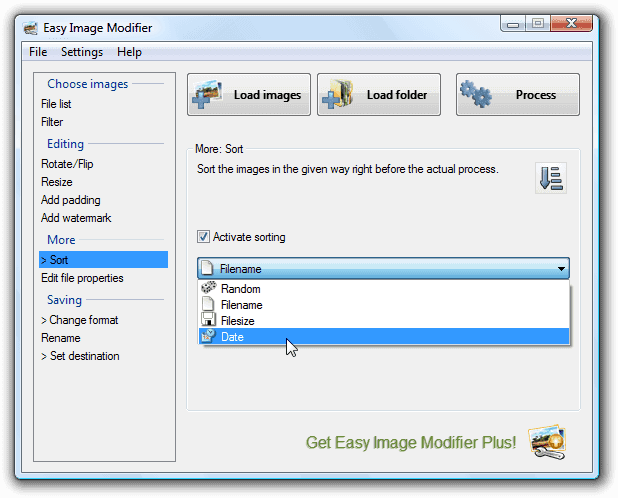
- Advanced options: Sort, resize disproportionally, remove meta information, filter images, change file date, set image quality
- Multilingual: 🇩🇪, 🇺🇸, 🇪🇸, 🇪🇪, 🇮🇷, 🇫🇷, 🇮🇹, 🇵🇹, 🇷🇺, 🇸🇪, 🇹🇷, 🇹🇼
- Portable: Just one executable, no need for installation
Overview
It's a great choice if you prefer a simple tool to a complex one. […] We recommend this program to all users.
Download.com
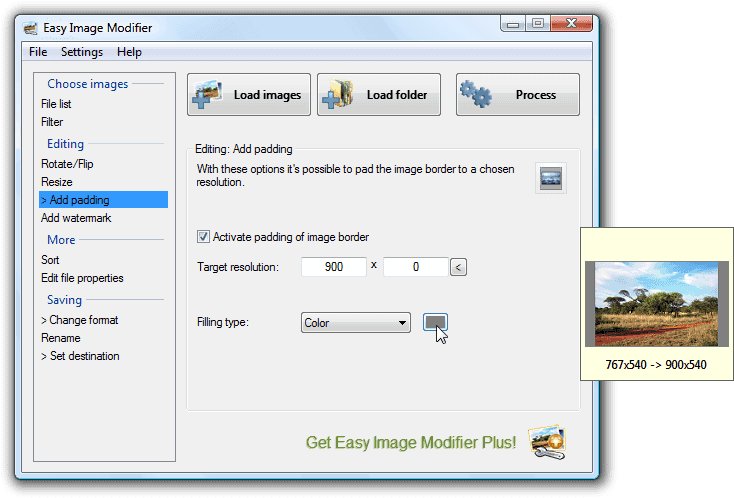
Do you want to resize, pad, rotate, flip, change format, add watermark texts, sort or rename your images without having to use complicated editing programs? This handy tool is exactly what you need because it's absolutely straightforward, runs with no need for installation and even most advanced operations are set up with just a few mouse-clicks. It allows you to modify batches of images quickly to be send via email, posted on the Internet or just for archiving purposes.
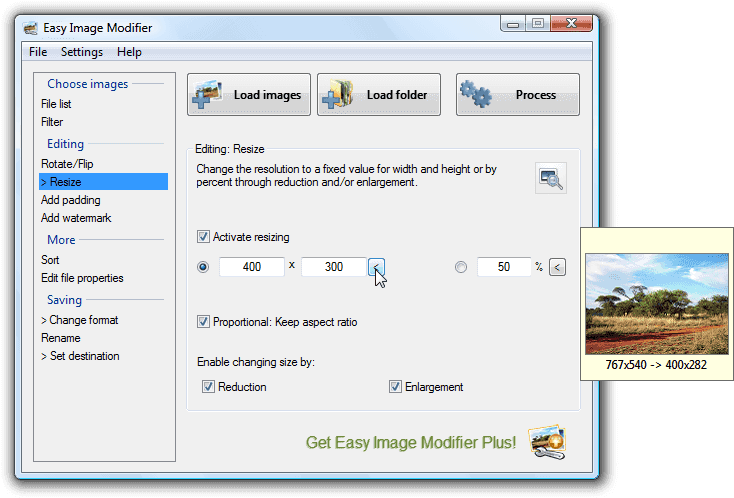
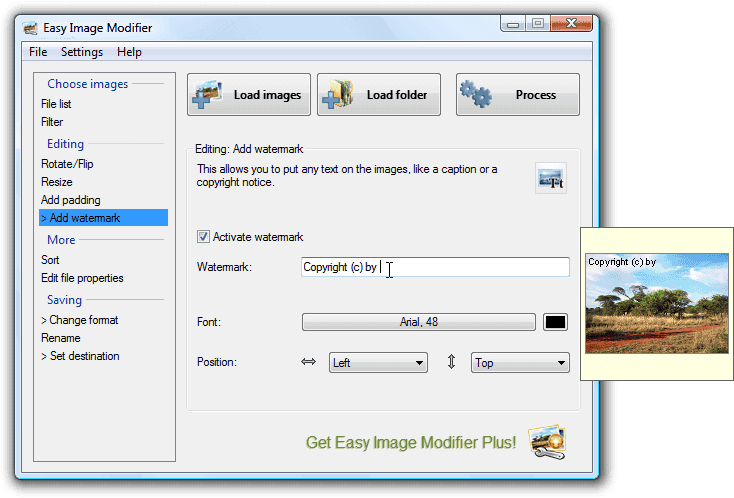
Easy Image Modifier offers many interesting features: You can change the dimension of your images (fixed value for width and height or by percent), flip or rotate them, rename the file, add a watermark text and also choose to convert the file format. Even advanced options such as the removal of personal identifiable meta information, filtering after certain conditions, disproportional resizing, customizable image quality, sorting and much more are comfortably set up. The new image and processing preview serves as an intuitive aid.
Free Download …or more details: Feature List , Release Notes
And if you want advanced features, like renaming by date, saving as JPEG 2000, converting to (multi-page) PDFs or filtering/sorting by image resolution, take a look at the Plus⭐ version.