Basic File Modifier
Helpful utility to batch modify the basic properties, which make up any file.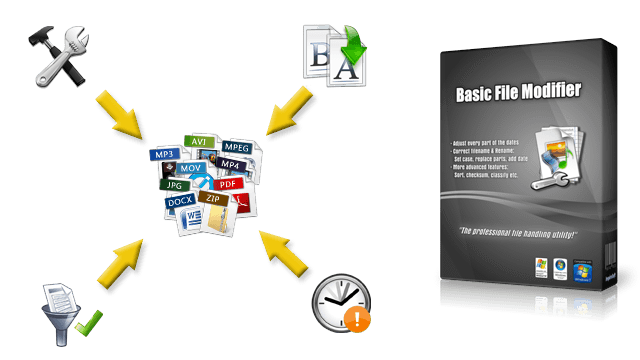
the professional file handling utility!
Introduction
The primary function of Basic File Modifier is to batch modify the basic properties, which make up any file. It offers a variety of ways: Correct filename and rename, customize creation/access date, change attributes, sort, filter, classify, set location and much more!
The handling is efficient and user-friendly, because unnecessary distractions were consequently refused. Hence, no installation is required. In addition, it's so compact that it easily fits on any USB stick.
In the following we will go further into detail and explain what makes Basic File Modifier special. ✨
Features
Set and Correct File Dates
It is possible to give the files a completely new date of your choice or to just correct certain parts of it (e.g. hour and day). Here you can choose from Set to, Add and Reduce by.
Correct Filenames & Extensions
This allows to remove, insert and replace self-chosen characters and text parts. Also the writing case can be set. Supported is a variety of methods, including: Lowercase, Title case and Sentence case.
Rename Files
One of the special features of this function are the so called placeholders. They allow you to integrate a numbering and file information such as the date (hour, day etc.), checksum (CRC32, MD5 and SHA1) and more anywhere into the new filename.
Set & Change File Destination
It's possible to replace the files or to give them a new location. Here the placeholders can also be used. Furthermore the folder structure can be retained and files be moved to the destination which helps in e.g. classifying them into categories.
…Plus No-Nonsense, Locales, Presets, Edit Attributes
The handling of Basic File Modifier is efficient and user-friendly because unnecessary distractions were consequently refused. Hence, no installation is required. In addition, it is so compact that it easily fits on any USB stick.
How You Could Use It
- Automatically classifying files into year and month folders, e.g. like
C:\My Files\2021\03\
,C:\My Files\2021\06\
and so on. - Replace and remove certain unwanted parts of the filename; add other texts, checksum, dates…
- Use the powerful filtering functionality, e.g. process only those files that were created between year 2015 and 2020.
- Activate read-only protection and remove the archive attribute.
- Easily rename files for the internet by automatically replacing spaces, setting all to lowercase, removing umlauts etc.
- Manipulate and/or correct the creation, access and last modified dates.
Buy Now …It's Easy & Secure!
Further Questions?
Use the free Trial Version to try out all features without restrictions. If you want to read everything up in more detail, consult the Feature List .
You can find more information regarding the app and the ordering process in our support area. And as always just contact us if you need help or have any questions.